How to share an icon library with your team
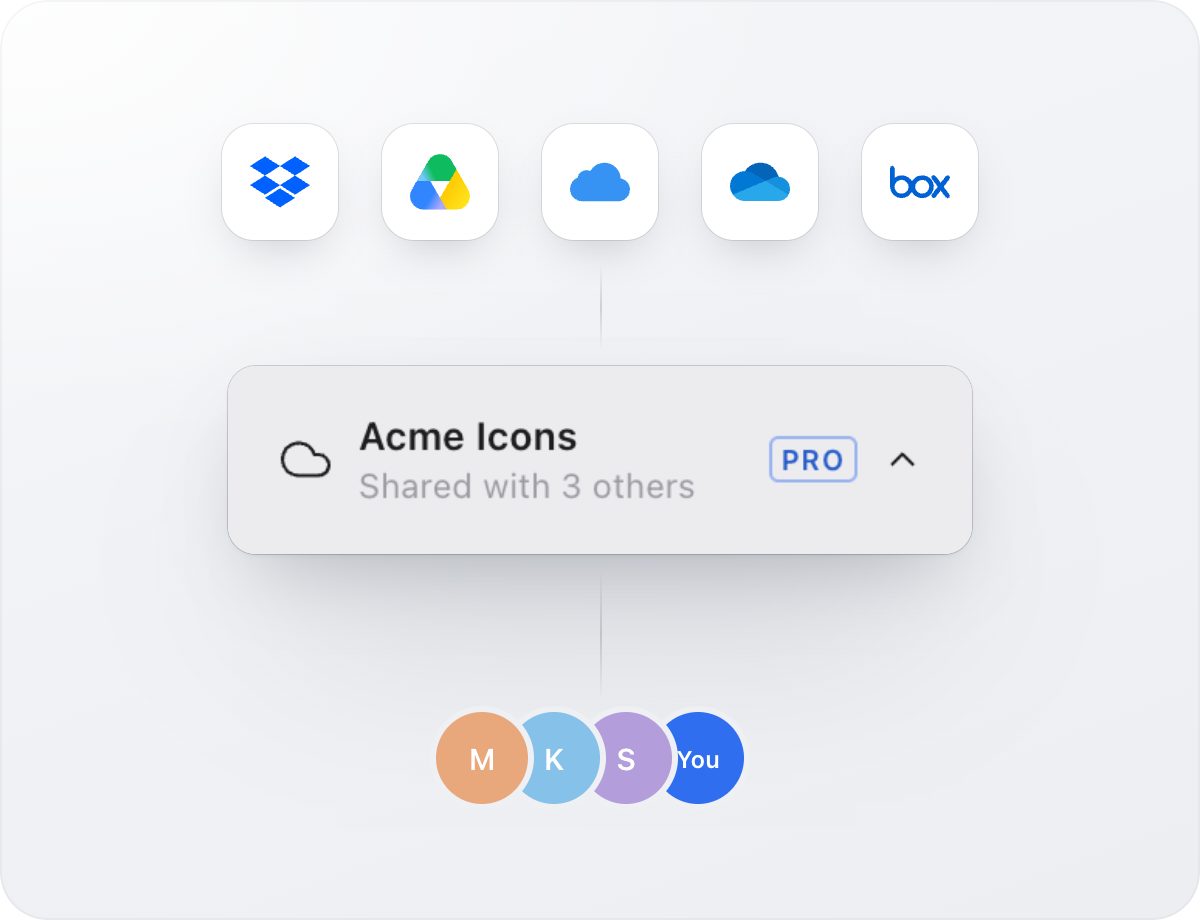
Keep one icon library in Dropbox, iCloud Drive, Google Drive, OneDrive or Box and let everyone’s changes sync without a server.
When every designer keeps their own copy of the icons, copies drift apart. One person fixes an icon, another keeps using the old one, and developers get whichever version was attached to the last ticket.
The fix is one shared library that everyone works from. You don’t need a server or a new account for it: the cloud folder your team already uses is enough.
How it works
An Iconset library is a regular folder. Icons are plain SVG files inside it, and each person’s changes are written to their own small journal file. Every copy of Iconset reads all journals and replays them in order, so edits from different people merge without overwriting each other.
Because nothing but files is involved, any service that syncs folders works: Dropbox, iCloud Drive, Google Drive, OneDrive, Box or a network share.
Set it up in a few minutes
- Open Settings in Iconset, choose Library and click Move. Pick a folder inside your Dropbox, iCloud Drive, Google Drive, OneDrive or Box.
- Share that folder with your team using the cloud service’s normal sharing.
- Each teammate installs Iconset, chooses Open Another Library from the library menu at the bottom of the sidebar, and picks the shared folder.
- That’s it. When the cloud client syncs the folder, Iconset shows everyone’s changes right away, and the library menu shows who else is working in it.
Good habits for a shared library
- Agree who maintains each set. Anyone can add icons, but one owner per set keeps the style consistent.
- Use collections for project work instead of copying icons into new sets.
- Run SVG Doctor before releases to catch duplicates and messy exports.
- Let the cloud client finish syncing before you quit, especially after big imports.
Sharing outside the team
To hand a set to a client, a contractor or the public, export it as a .set file. It contains the icons and their tags, and anyone with Iconset can import it with one click. For developers, export components or an SVG sprite instead.
What about older versions?
Iconset 3 keeps the library format of Iconset 2, so teammates who haven’t upgraded yet can keep working in the same shared folder.
Try Iconset free
A fast icon manager for Mac and Windows, with 100,000+ open-source icons built in. Free for up to 500 icons, with a 14-day trial of every Pro feature.
Download IconsetSee all features