Everything you need to manage icons
Iconset organizes your SVG icons, adds 100,000+ open-source icons you can search offline, and ships them as SVG, PNG or components for React, Vue and Svelte. On Mac and Windows.
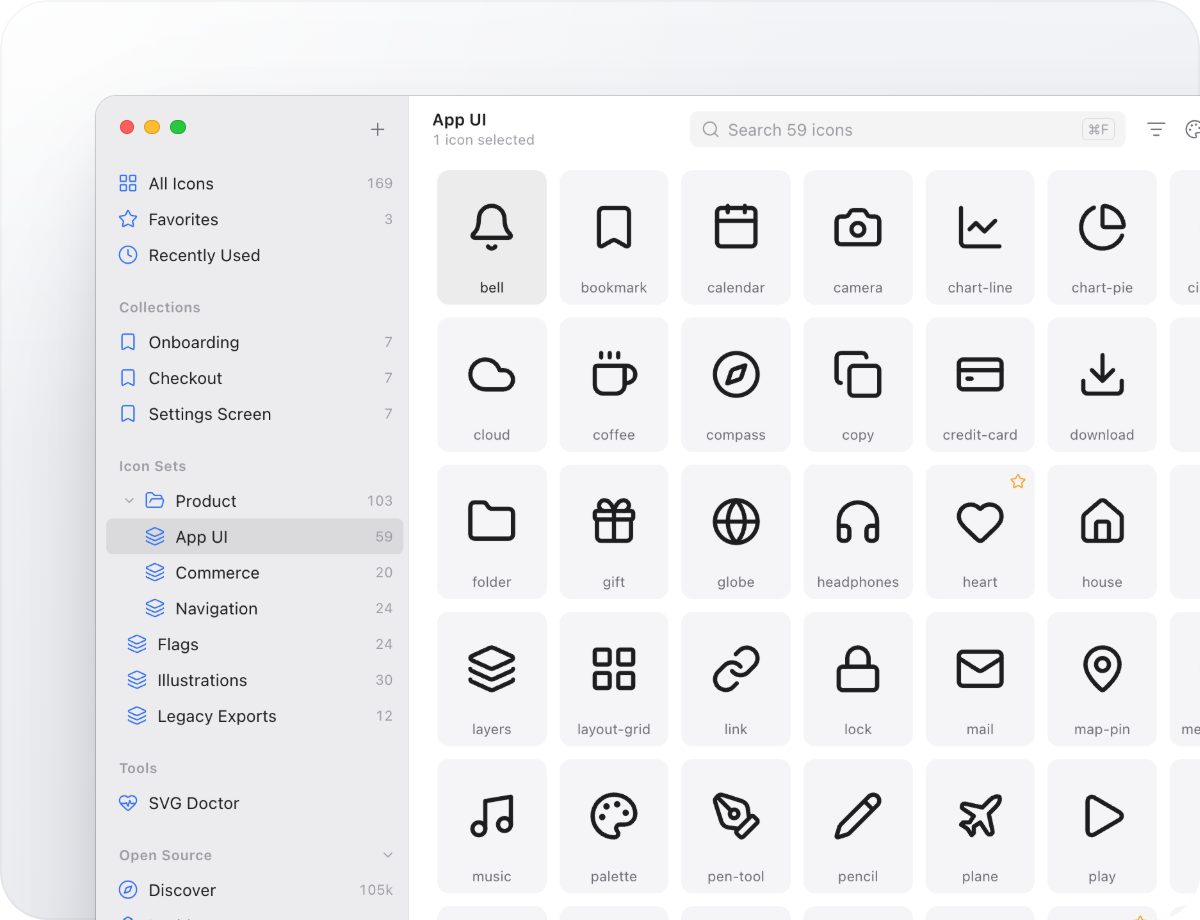
All your icons in one fast library
Sets, folders, tags, collections and favorites keep thousands of icons in order. Drop in a folder of SVGs, or bring your IconJar libraries and .set files, and find any icon in a blink.
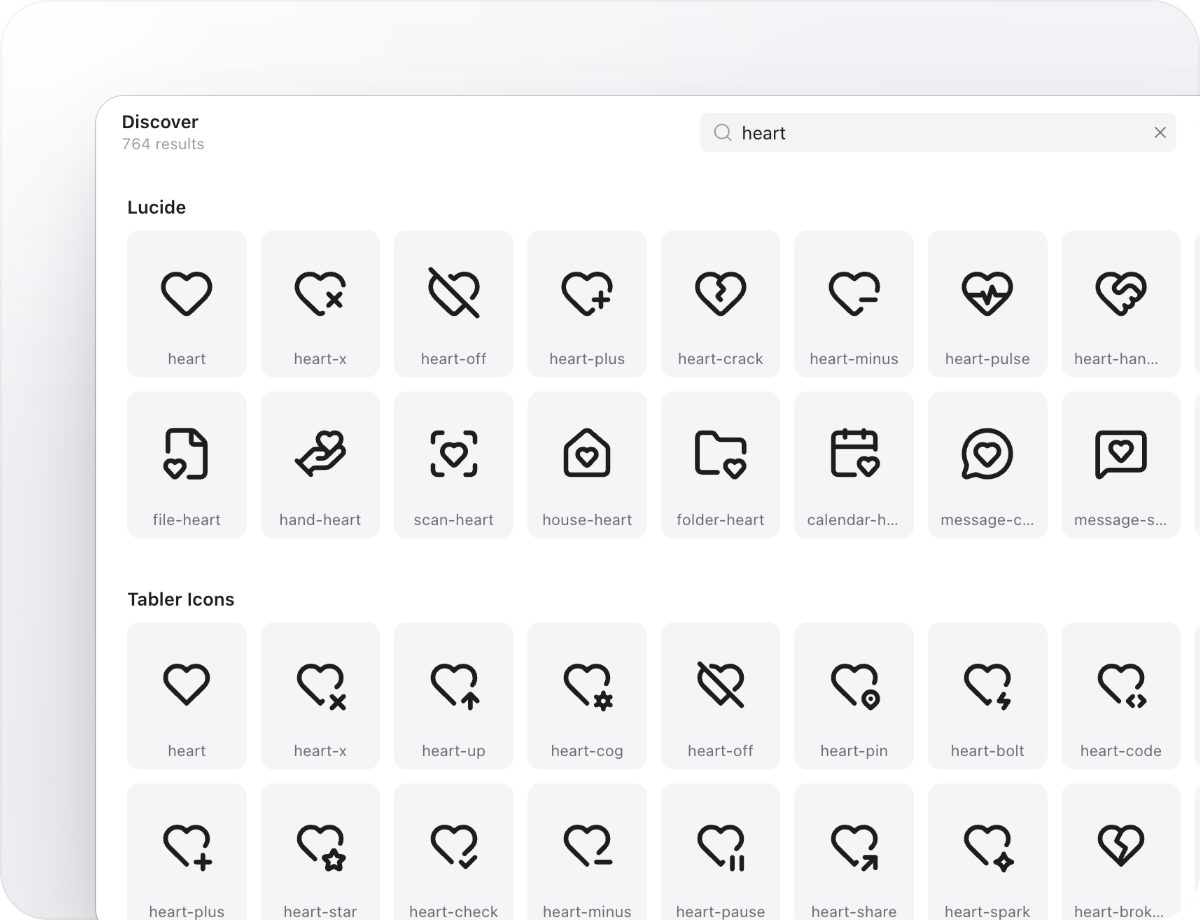
100,000+ open-source icons, built in
Lucide, Tabler, Phosphor, Material Symbols and 24 more sets come with the app and search offline. Every set is MIT, ISC or Apache 2.0 licensed, and saved icons keep their license details.
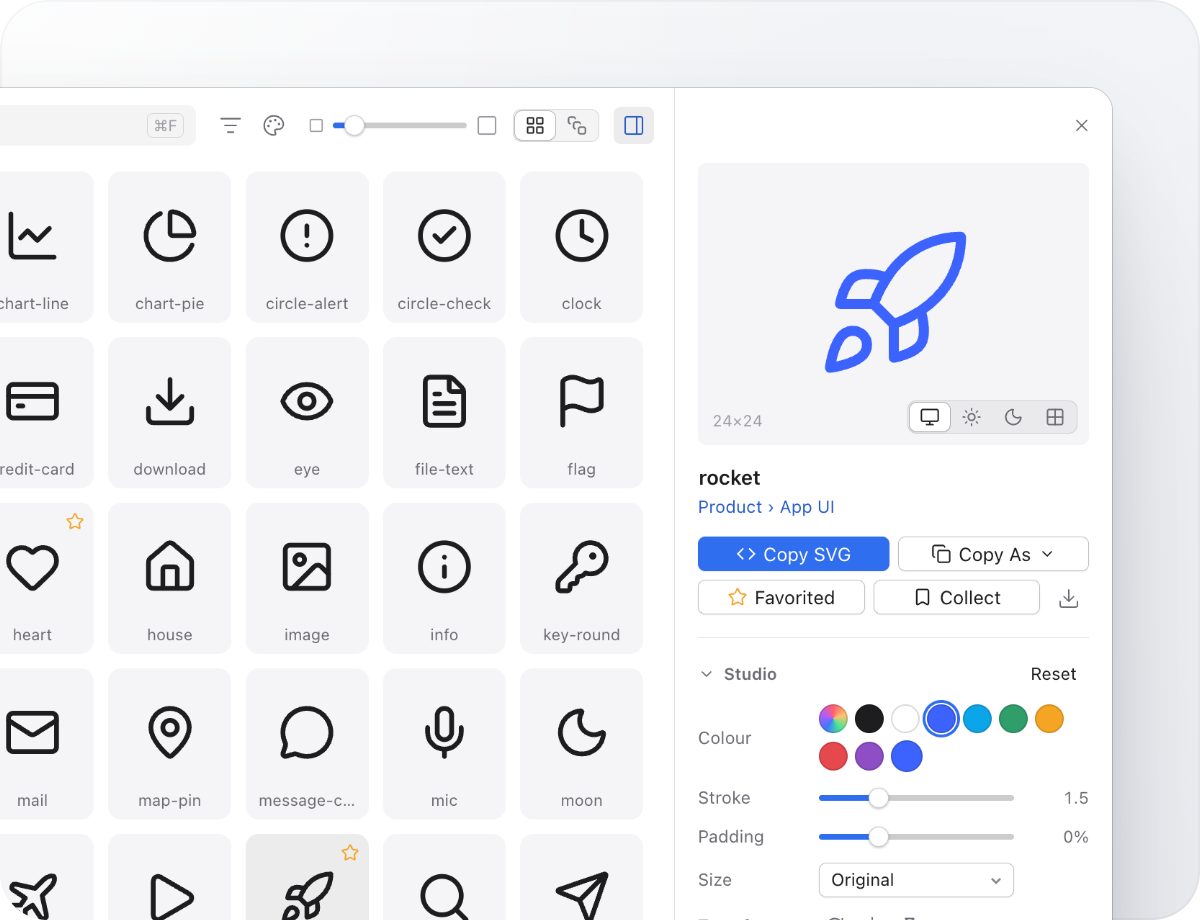
Tweak an icon, then copy it as code
Recolor, change the stroke width, pad, rotate or resize in Studio, then copy the result as SVG, JSX, React, Vue, Svelte, a data URI or a PNG. Or drag it straight into Figma, Sketch or your editor.
Export for every stack
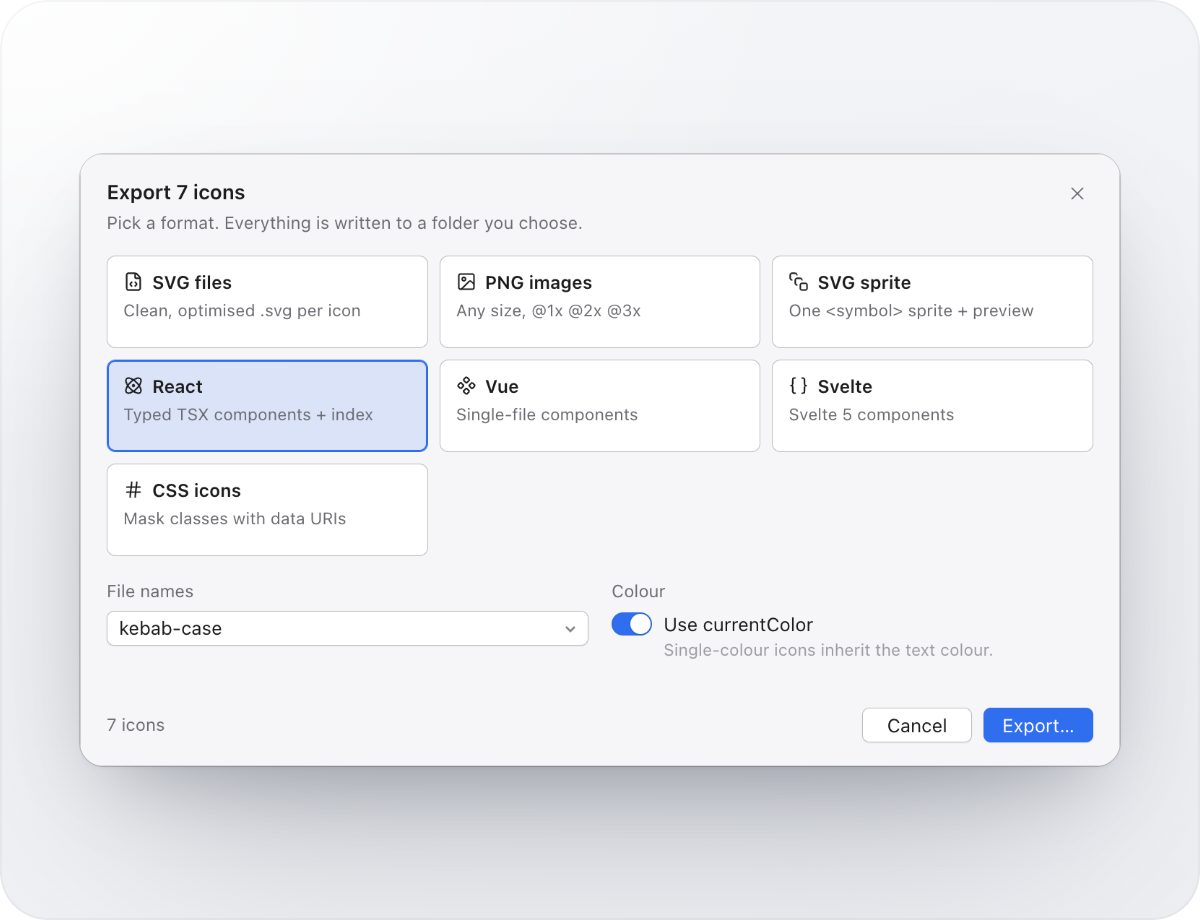
Turn a selection into typed React components, Vue or Svelte files, an SVG sprite, CSS icon classes or crisp PNGs at @1x, @2x and @3x, in one step.
Production-ready, every time
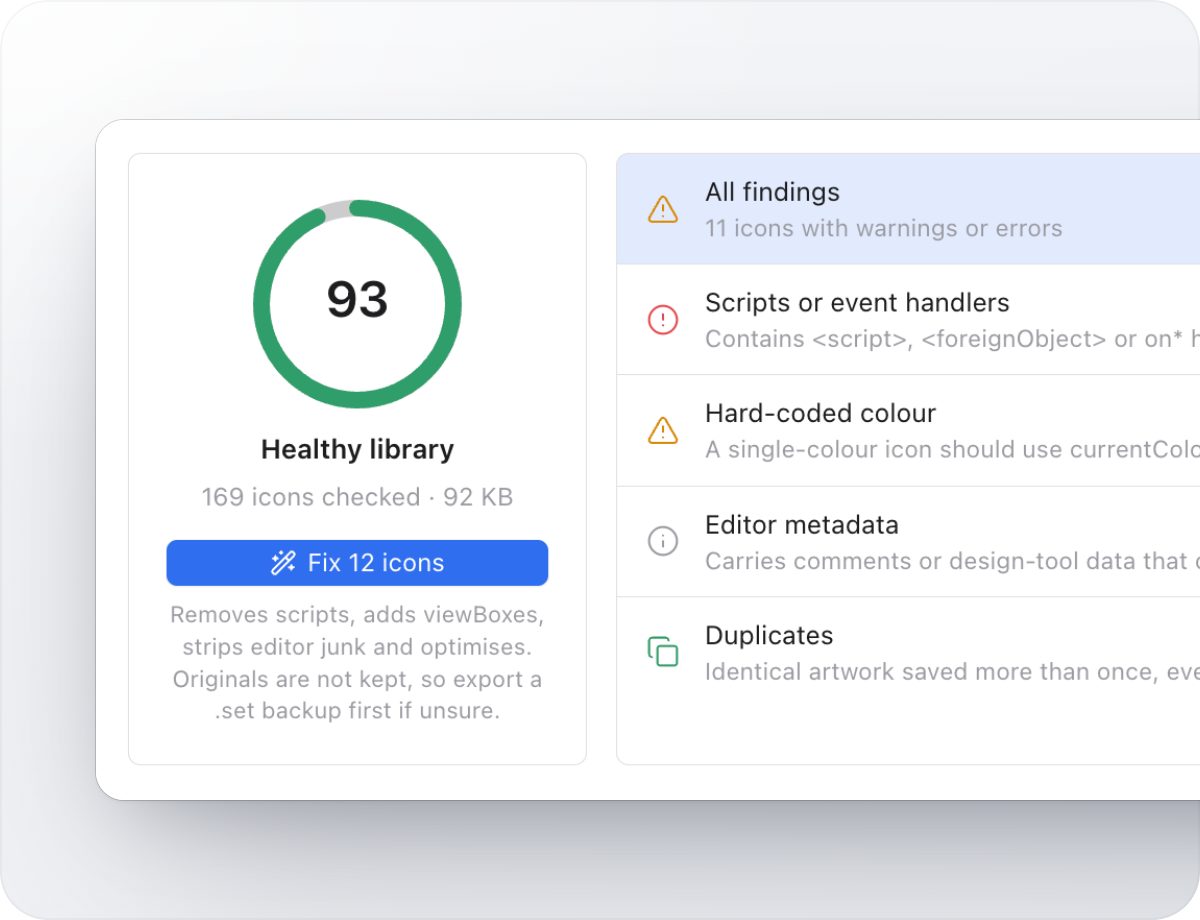
SVG Doctor checks your whole library for scripts, hard-coded colors, editor leftovers, missing viewBoxes and duplicates, and fixes them in one click.
Your icons, one shortcut away
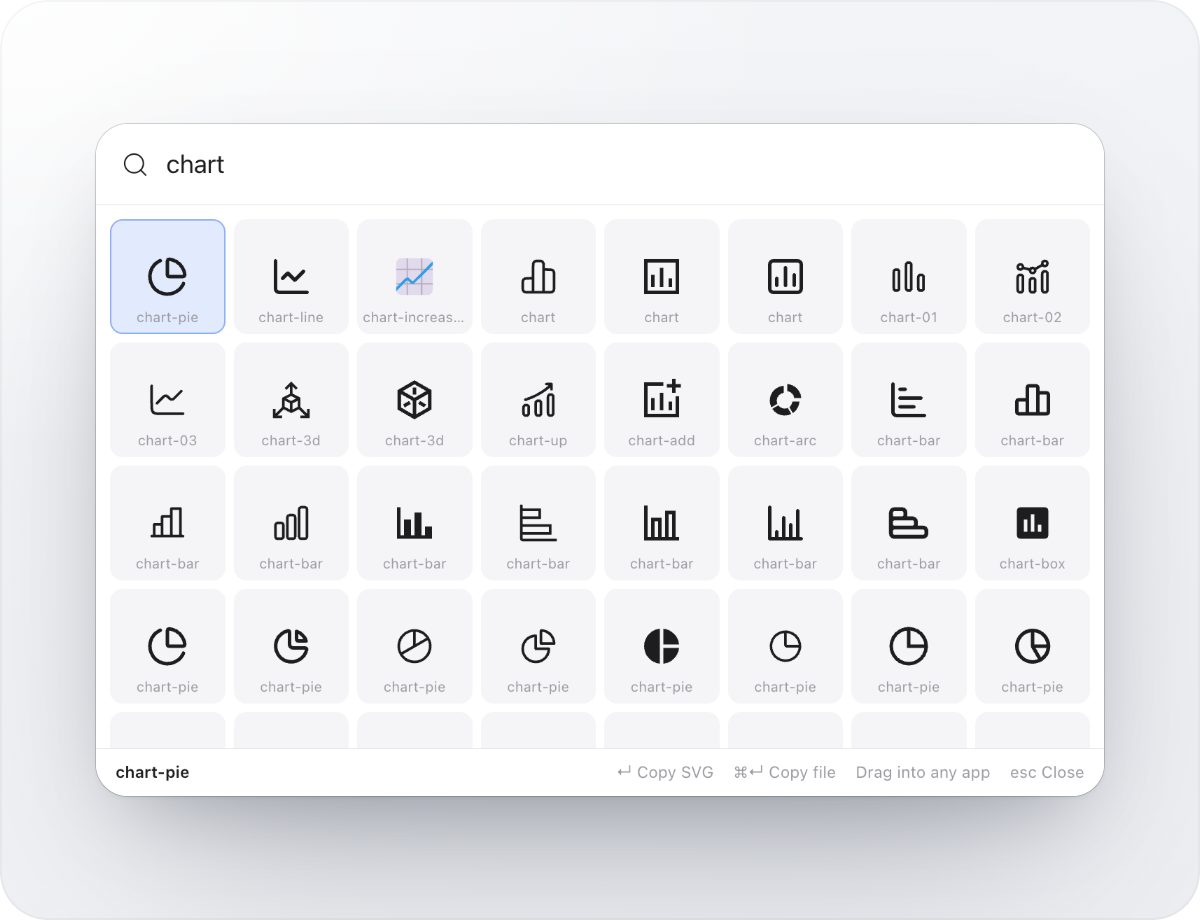
The Quick Panel opens over any app. Type a few letters, press Return to copy, or drag the icon right where you need it.
Share a library with your team
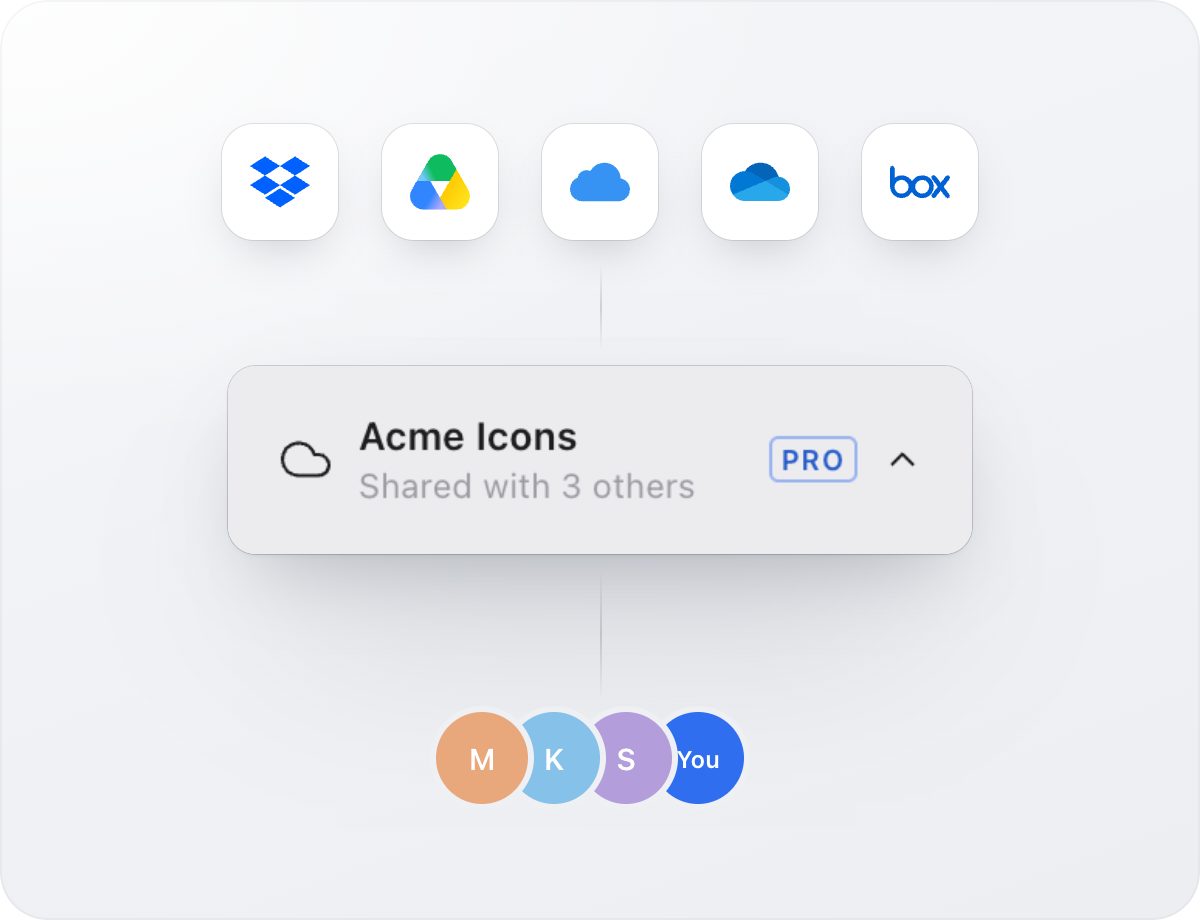
Keep your library in Dropbox, iCloud Drive, Google Drive, OneDrive or Box. Everyone sees changes in real time, with no accounts and no servers.
The full list
Your icon library
- Sets and folders
- Group icons into sets and sets into folders. Dropping a folder of SVGs turns its subfolders into sets.
- Tags, favorites and collections
- Tag icons with the words people search for, star your shortlist and gather icons from any set into project collections.
- Import anything
- Drag in files and folders, paste SVG code as a new icon, or import IconJar libraries and .set files.
- Fast at any size
- Libraries with tens of thousands of icons open, scroll and search instantly.
- Quick Look
- Press Space for a large preview of any icon, and use the arrow keys to move through the grid.
Search
- Instant search
- Results update as you type, across your library and every open-source set.
- Synonyms built in
- Searching “trash” also finds “delete” and “bin”.
- Tags and exclusions
- Narrow with #tag and leave words out with -word.
- Command palette
- Press ⌘K to jump to any set, icon or command.
100,000+ open-source icons
- 28 sets, offline
- Lucide, Tabler, Phosphor, Material Symbols, Fluent, Ionicons and more, searchable without a connection.
- Commercial-friendly licenses
- Every set is MIT, ISC or Apache 2.0. Saved icons keep their license and author.
- Hide what you don’t use
- Turn sets off to keep search results focused.
Studio and copy as code
- Studio
- Recolor, change stroke width, add padding, resize, rotate and flip before you copy.
- Copy as code
- SVG, JSX, React, React Native, Vue, Svelte, Angular, CSS, data URI or Base64.
- Copy as PNG or file
- Paste a crisp PNG at any size, or the SVG file itself.
- Drag and drop
- Drag icons straight into Figma, Sketch, Illustrator, Keynote or your editor.
Export
- Components
- Typed React components with an index file, Vue single-file components and Svelte 5 components.
- Sprites and CSS
- An SVG sprite with a preview page, or CSS mask classes with data URIs.
- Images
- SVG files or PNGs at any size, at @1x, @2x and @3x.
- Your conventions
- kebab-case, snake_case, camelCase or PascalCase file names, and currentColor for single-color icons.
SVG Doctor
- 13 checks
- Scripts and event handlers, hard-coded colors, missing viewBoxes, fixed sizes, editor metadata, generic IDs, embedded bitmaps, external references, live text, large files, non-square artboards, invalid files and duplicates.
- One-click fixes
- Remove unsafe content, add viewBoxes, switch to currentColor, strip metadata, prefix IDs and optimize, across the whole library.
- Health score
- See how production-ready your library is at a glance.
Teams
- Shared libraries
- Keep a library in Dropbox, iCloud Drive, Google Drive, OneDrive or Box and everyone’s changes sync in real time.
- No server, no accounts
- Each person’s changes go to their own journal file, so edits merge without conflicts.
- Works with Iconset 2
- Teammates on Iconset 2 can keep using the same library.
Everywhere you work
- Quick Panel
- A global shortcut opens your icons over any app. Press Return to copy or drag the icon where you need it.
- Mac and Windows
- Native on Apple silicon and Intel Macs and on Windows PCs, in light and dark.
- Private by design
- No account needed. Your icons stay on your computer or in your own cloud folder, and anonymous statistics are off unless you turn them on.
Free and Pro
Start free. Pro is a one-time purchase: $39 with a year of free updates, or $59 for lifetime updates.
| Free | Pro | |
|---|---|---|
| Browse and search 100,000+ open-source icons | ✓ | ✓ |
| Icons in your library | Up to 500 | Unlimited |
| Collections | Up to 3 | Unlimited |
| Sets, folders, tags and favorites | ✓ | ✓ |
| Copy and drag SVGs into any app | ✓ | ✓ |
| Share a library through Dropbox, iCloud Drive, Google Drive, OneDrive or Box | ✓ | ✓ |
| SVG Doctor health checks | ✓ | ✓ |
| SVG Doctor one-click fixes | – | ✓ |
| Studio: recolor, stroke, padding, size, rotate | Preview | ✓ |
| Copy as JSX, React, React Native, Vue, Svelte, Angular, CSS, data URI | – | ✓ |
| PNG export at any size, @1x @2x @3x | – | ✓ |
| Batch export: components, sprites, CSS icons | – | ✓ |
| Quick Panel from any app | – | ✓ |
| Menu bar and tray access | – | ✓ |